

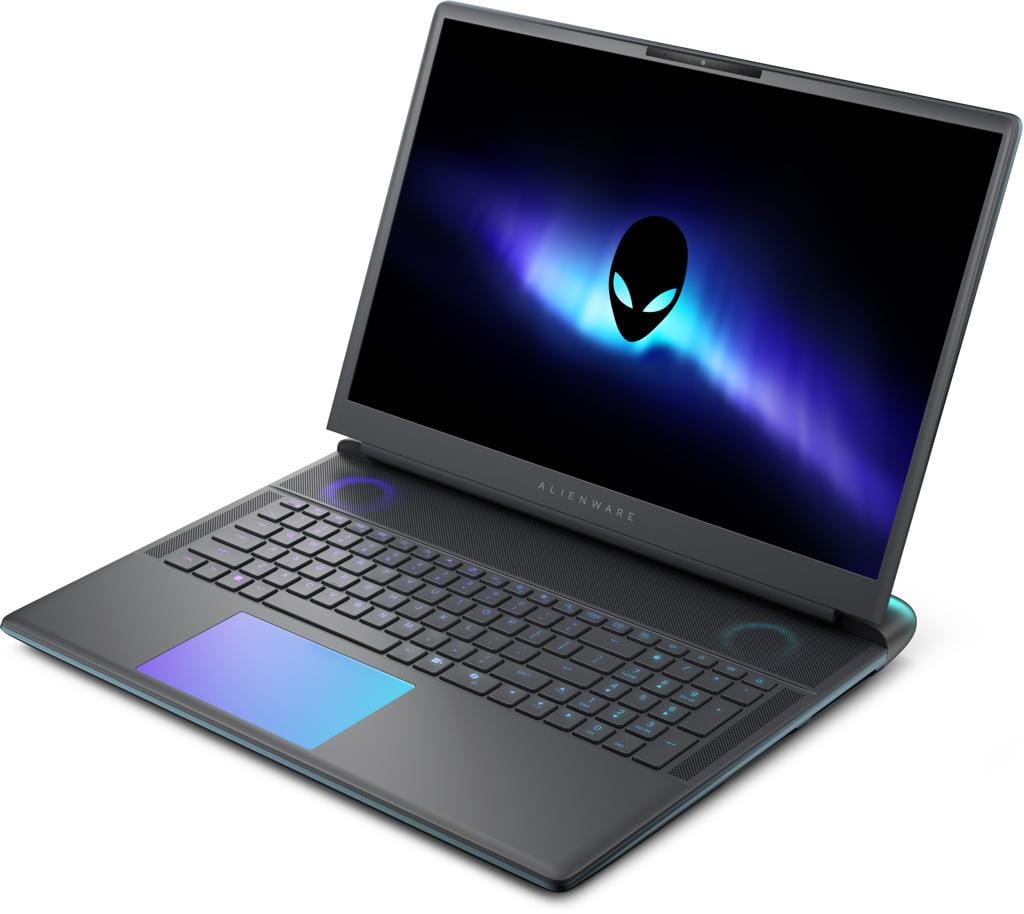

Alienware Launches Its First Budget Gaming Laptop ‘Alienware 15’
Alienware has introduced its first budget-friendly gaming laptop, the Alienware 15, marking a strategic shift from its traditionally premium-priced gaming systems.
The new model aims to deliver high-performance gaming at a more accessible price point, expanding the brand’s reach into the mid-range laptop market.
The Alienware 15 comes equipped with AMD and Intel processor options, including AMD Ryzen 7 260 and AMD Ryzen 5 220 variants, along with NVIDIA GeForce RTX 4050 graphics. Users can also upgrade to an RTX 5060 configuration for higher performance.
The laptop supports up to 32GB RAM and offers storage options of 512GB or 1TB NVMe SSD, catering to both casual and serious gamers.
Its display features a 16:10 WUXGA (1920×1200) panel with a 165Hz refresh rate and 300-nit brightness, designed to enhance smooth gameplay and visual clarity during fast-paced gaming sessions.
Pricing for the Alienware 15 starts at approximately $1,299 for AMD models and $1,349 for Intel models, making it significantly more affordable than previous Alienware releases such as the Alienware 16 Aurora, which was priced around $1,690.
According to the company, the new laptop was developed through a more balanced engineering approach, focusing on where to invest in performance and where to reduce costs without compromising the core gaming experience.
Industry analysts view this move as Alienware’s attempt to compete more directly in the growing budget gaming laptop segment.